
How to log in and out of 3CX hot desking phones
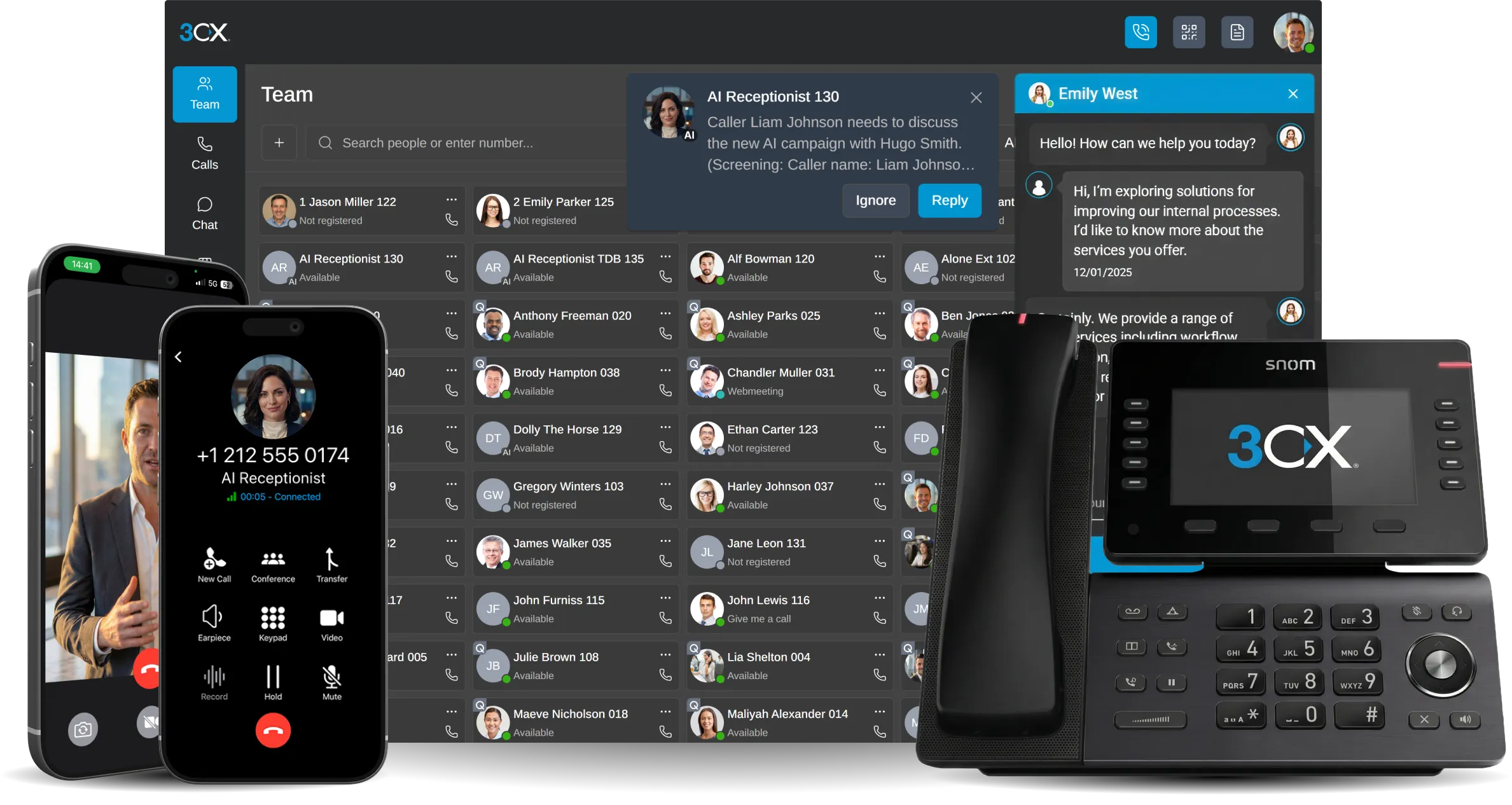
You need your extension number and voicemail PIN.
Log in
- Press the first BLF key if the phone has one, or dial *77*.
- Enter your extension number when asked.
- Enter your voicemail PIN (called personal identification number on some systems) when asked.
- Wait for the phone to confirm the login and update to your extension.
You can also log in directly by dialling *77*EXT*, replacing EXT with your extension number.
Log out
- Press the first available BLF/logout key, or dial *77*5*.
- Wait for the phone to confirm the logout.
If it does not work
- Check you are using your voicemail PIN, not your 3CX app password.
- Check the phone has been set up as a 3CX hot desking phone.
- If you hear "forbidden", ask your 3CX administrator to check the system dial codes.